Are you a classic gamer like many across the US still diving into the vast, open world of Grand Theft Auto San Andreas? If so, you have likely encountered the frustrating issue of stretched graphics when playing on modern widescreen monitors. This common problem can severely detract from the nostalgic experience of a beloved title. Fortunately, there is a definitive GTA SA widescreen fix that restores the game's original aspect ratio and visual fidelity, making CJ's adventures look as sharp and immersive as they did on release, but now tailored for your high-resolution display. This comprehensive guide will walk you through the simple steps to implement the fix, ensuring that your precious gaming time is spent enjoying the game, not battling display settings. We understand that balancing work family and gaming means efficiency is key. Learn how to optimize your GTA San Andreas experience today and bring those iconic Los Santos streets back into perfect focus, enhancing your performance and value for money from a game you already own. Get ready to rediscover San Andreas without visual distortion or compromise on your precious free time.
How do I fix GTA San Andreas widescreen on my PC?
To fix GTA San Andreas widescreen on your PC, you will need to download and install a community-made mod called the "Widescreen Fix" by ThirteenAG. This mod corrects the game's aspect ratio and HUD scaling for modern displays. Simply download the files from a reputable source like PCGamingWiki, extract them, and copy them into your GTA San Andreas installation directory where the gta_sa.exe file is located. Launching the game afterward should resolve the stretching issue automatically.
Why does Grand Theft Auto San Andreas look stretched on my ultrawide monitor?
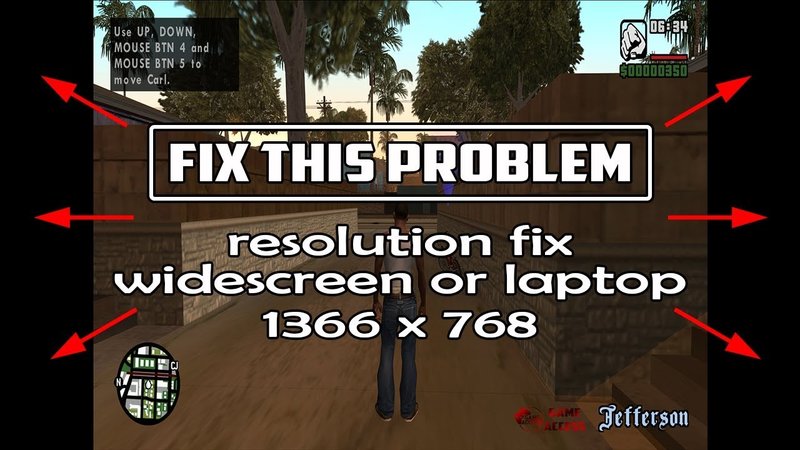
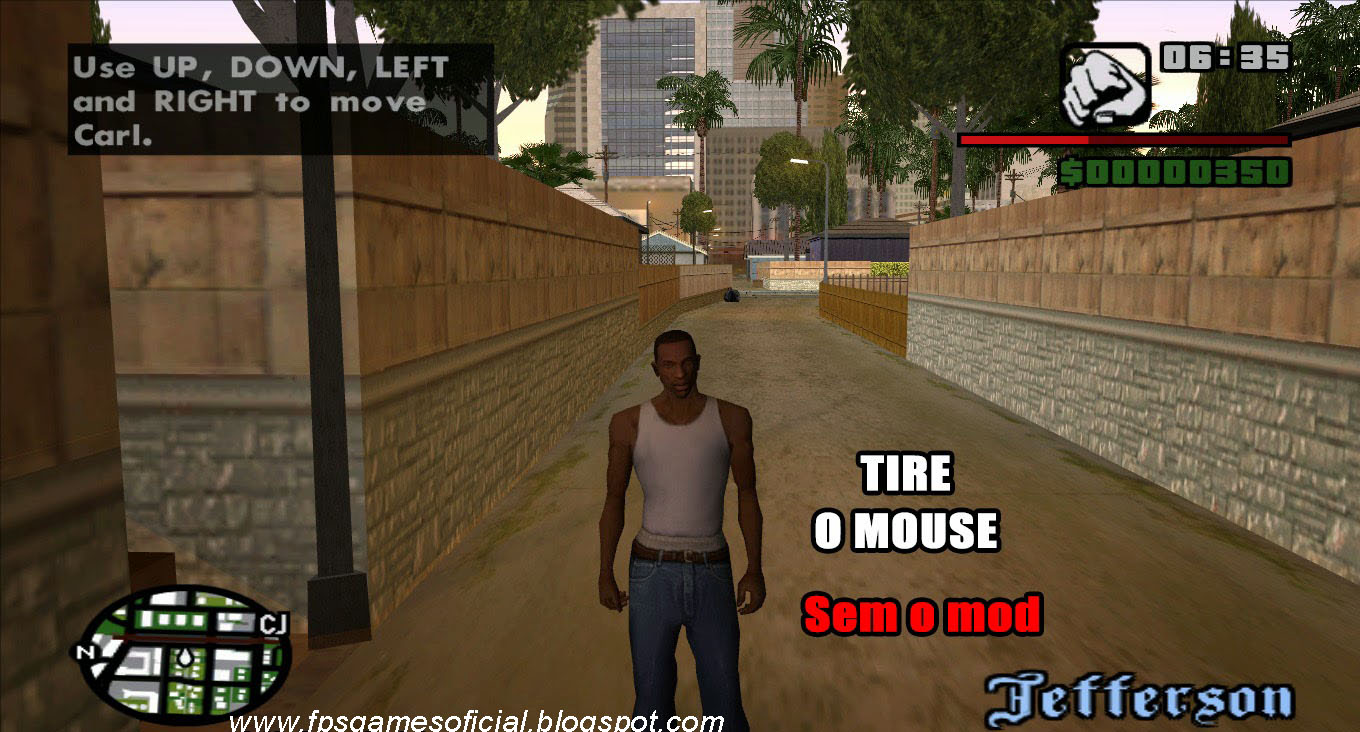
Grand Theft Auto San Andreas looks stretched on ultrawide monitors because it was originally designed for older 4:3 aspect ratio displays from 2004. Modern ultrawide monitors, typically 21:9 or wider, force the game to stretch its image horizontally to fill the screen, distorting characters and the environment. The Widescreen Fix mod is essential to adapt the game to these contemporary display formats properly.
What are the common issues with GTA SA display on modern systems?
The most common issues with GTA SA display on modern systems include stretched visuals, incorrect aspect ratios, misaligned HUD elements, and sometimes even resolution limitations that prevent the game from utilizing your monitor's native capabilities. These problems stem from the game's age and its incompatibility with high-resolution, widescreen displays without community-made patches.
Can I play GTA San Andreas in true 16:9 or 21:9 without distortion?
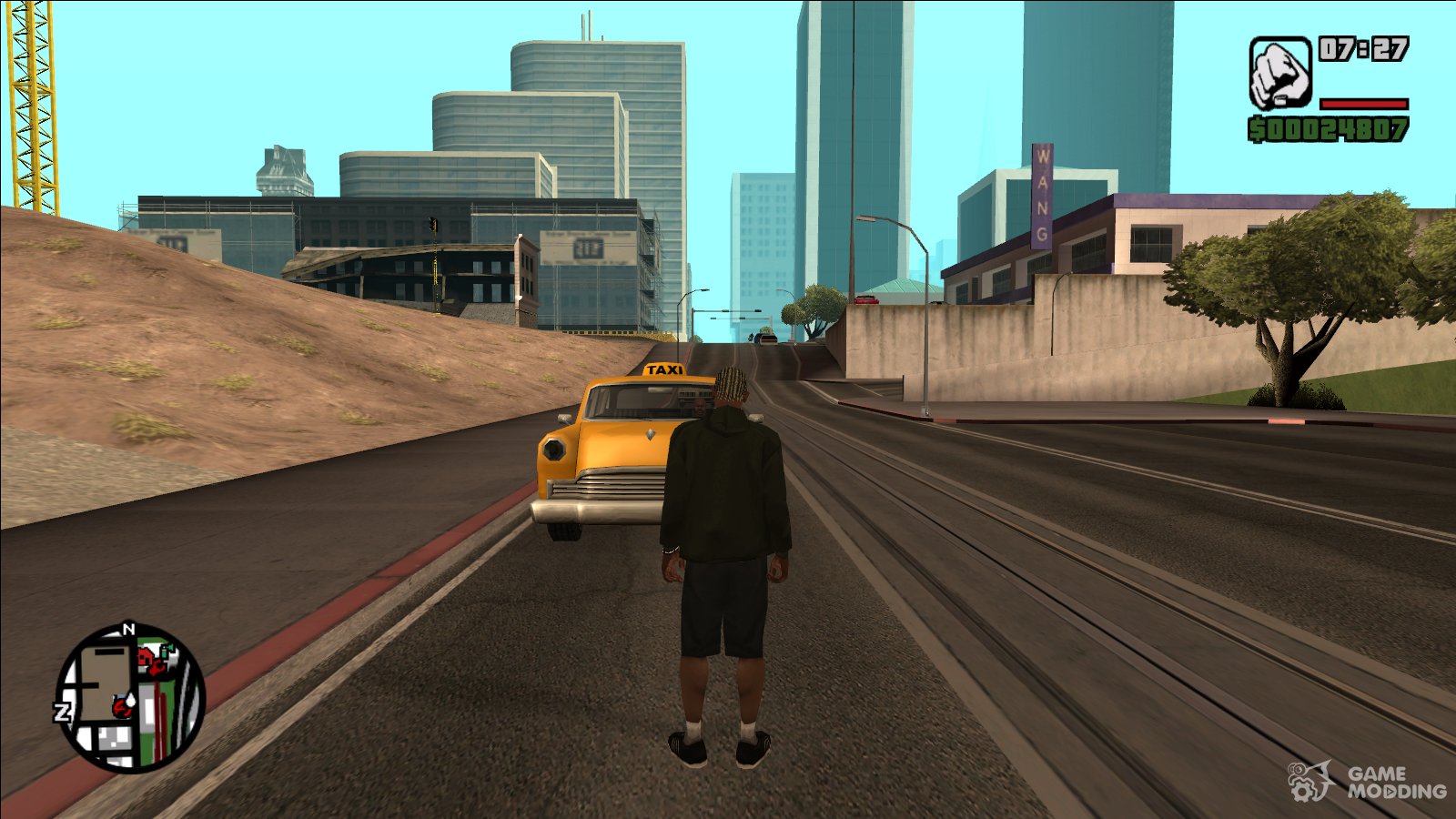
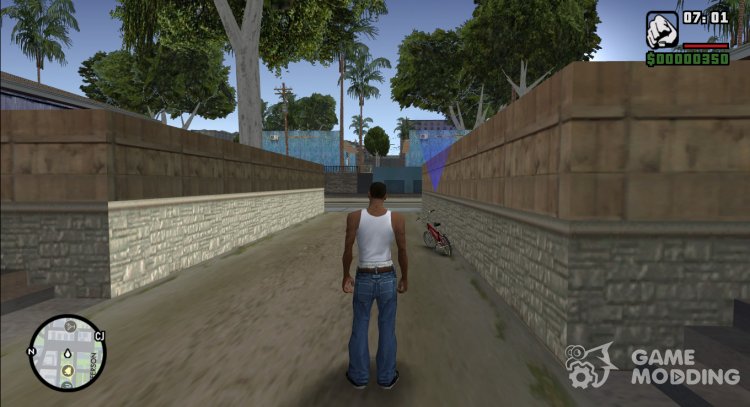
Yes, you can absolutely play GTA San Andreas in true 16:9 or even 21:9 aspect ratios without distortion. This is achieved by installing the Widescreen Fix mod, which dynamically adjusts the game's rendering to match your monitor's native aspect ratio, ensuring that everything, from CJ to the sprawling cities, appears as intended, sharp and proportional.
Is the GTA SA Widescreen Fix safe to download and use?
Yes, the GTA SA Widescreen Fix by ThirteenAG is widely considered safe to download and use, provided you obtain it from reputable modding websites such as PCGamingWiki, GTAGarage.com, or the developer's official GitHub page. Always verify the source to ensure you are downloading a legitimate and clean version of the mod, free from malware.
How do I verify the Widescreen Fix is working correctly in GTA SA?
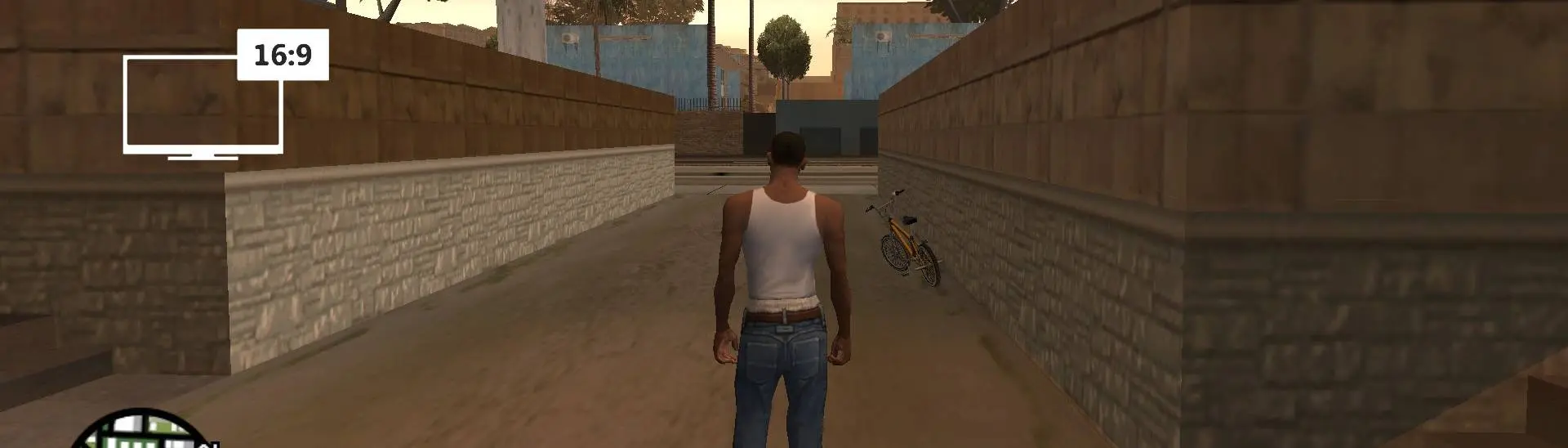
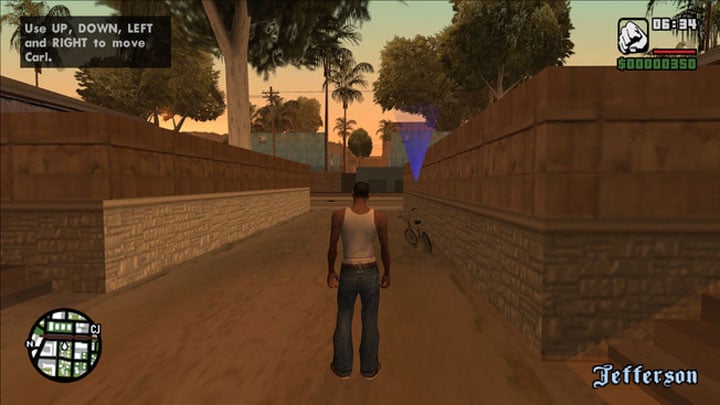
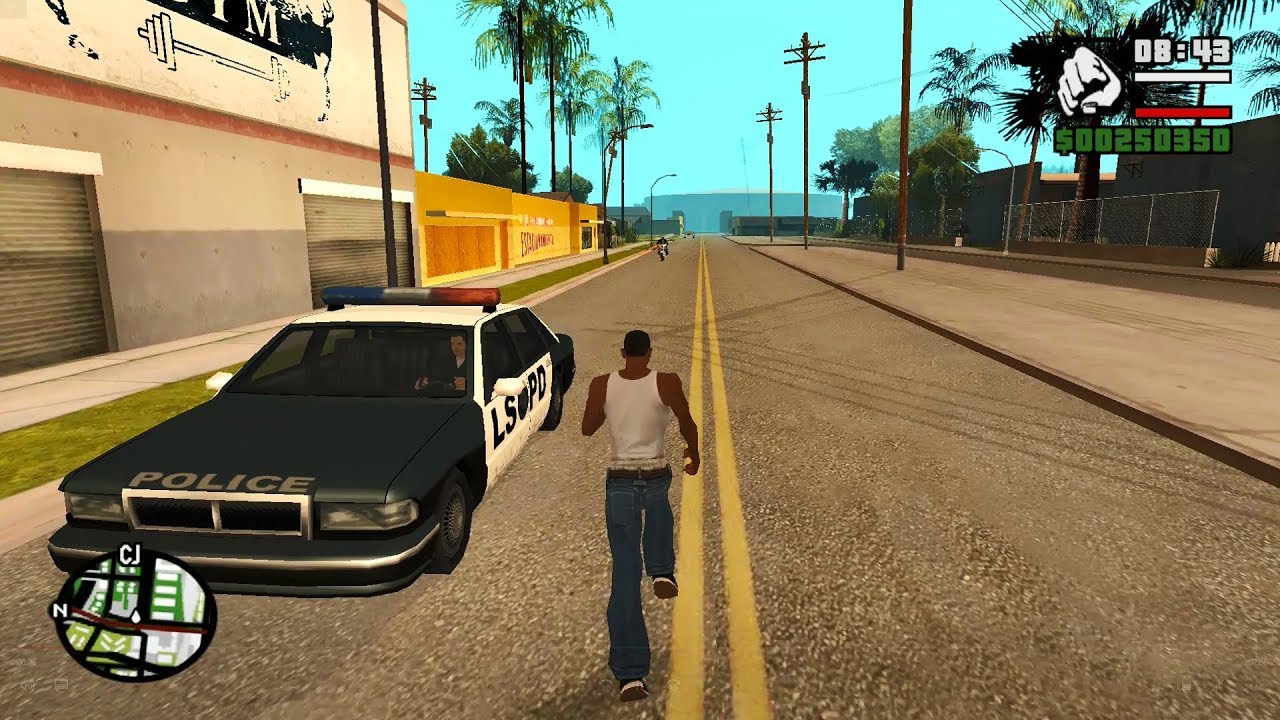
To verify the Widescreen Fix is working correctly in GTA SA, launch the game and observe the main menu and in-game visuals. Characters should appear proportional, not horizontally stretched. The HUD elements, such as the radar and health bar, should be correctly positioned and scaled, typically at the edges of the screen rather than closer to the center, confirming proper aspect ratio correction.
What alternatives exist if the primary GTA SA Widescreen Fix does not work for me?
If the primary Widescreen Fix does not work, alternative solutions are scarce but might involve exploring other specific compatibility patches or graphical wrappers like dgVoodoo2, which can help old DirectX games run on modern hardware. Additionally, ensure you have SilentPatch installed, as it resolves many underlying game bugs that might interfere with other mods. Community forums are also excellent resources for highly specific troubleshooting.
Does the Widescreen Fix enhance game textures or overall graphical fidelity?
The Widescreen Fix primarily addresses aspect ratio and display resolution, allowing the game to fill your screen correctly without distortion. It does not inherently enhance textures or graphical fidelity directly. To improve those aspects, you would need to install additional texture packs or visual enhancement mods alongside the Widescreen Fix for a comprehensive graphical overhaul.
Remember those late nights cruising through Los Santos, San Fierro, and Las Venturas in Grand Theft Auto San Andreas? For many gamers across the US, that nostalgia is powerful, especially since over 87% of us regularly engage with games, often squeezing in 10+ hours a week amidst jobs and families. But loading up this PS2 era classic on a modern PC often brings a harsh reality check: everything looks stretched, distorted, and frankly, a bit ugly on a beautiful widescreen monitor. It is a common pain point for busy adults trying to revisit a cherished memory. You just want to relax, enjoy the game as it was meant to be played, and not spend precious time troubleshooting. That is where the ultimate GTA SA widescreen fix comes in. It is a simple, effective solution to reclaim your game's visual integrity and truly optimize your experience without hassle. This guide is your trusted friend, walking you through everything you need to know to get GTA San Andreas looking perfect on your current setup.
We understand that for the 60% of gamers who balance life and pixels, performance optimization and value are critical. You are not looking for hype; you want practical solutions. This comprehensive Q&A article will address every aspect of the GTA SA widescreen fix, ensuring you can quickly get back to building CJ's empire with crystal-clear visuals. Let us dive in and transform your retro gaming experience.
Why Does GTA San Andreas Look Stretched on My Modern Monitor?
The primary reason GTA San Andreas appears stretched on modern displays is simple: it was developed for older 4:3 aspect ratio monitors, prevalent during its 2004 release. Widescreen monitors, common now, were not the standard then. When an old game designed for 4:3 tries to fill a 16:9 or 21:9 screen, it often stretches the image horizontally to fill the extra space, distorting characters and environments. This is not a bug, but rather a compatibility issue with how older game engines handle newer display resolutions, a common problem many retro gamers face.
What Is the Best Widescreen Fix for GTA SA PC?
The widely regarded best solution for the GTA SA widescreen fix is a community-made modification called the "Widescreen Fix" by ThirteenAG. This mod is specifically designed to correct the aspect ratio issues, provide proper widescreen support, and often includes other useful features like correct HUD scaling and increased draw distance. It is praised for its stability, ease of installation, and comprehensive approach to modernizing the game's display without breaking its classic charm. This mod is continuously updated to ensure broad compatibility and performance.
How Do I Install the Widescreen Fix Mod for GTA San Andreas?
Installing the Widescreen Fix for GTA SA is surprisingly straightforward, making it perfect for gamers who want quick results. Here is a step-by-step guide:
- First, ensure you have a clean installation of GTA San Andreas. If you have other graphics mods, it is best to back up your game files or install the fix on a fresh copy to avoid conflicts.
- Next, download the Widescreen Fix from a reputable modding site like GTAGarage or PCGamingWiki. Make sure you get the version compatible with your game (e.g., 1.0, 1.01, Steam).
- Once downloaded, extract the contents of the ZIP file. You will typically find a folder containing a few DLL files (like dinput8.dll, WidescreenFix.asi) and possibly a configuration file (WidescreenFix.ini).
- Now, navigate to your GTA San Andreas installation directory. This is usually C:Program Files (x86)Rockstar GamesGrand Theft Auto San Andreas or C:Program Files (x86)SteamsteamappscommonGrand Theft Auto San Andreas for Steam users.
- Finally, copy all the extracted files directly into your GTA San Andreas root directory, where the gta_sa.exe file is located.
After these steps, launch the game. It should automatically detect your monitor's resolution and adjust the display and HUD accordingly, providing a perfect widescreen experience.
Are There Any Performance Impacts from the GTA SA Widescreen Fix?
Generally, the Widescreen Fix has minimal to no negative performance impact on GTA San Andreas. In fact, by allowing the game to run at native resolutions, it can sometimes feel smoother as your GPU is rendering exactly what your monitor displays, avoiding scaling issues. Modern PCs are vastly more powerful than what GTA SA was designed for, so even with the fix, the game will run exceptionally well. The mod is highly optimized and focused purely on display correction, not adding heavy graphical effects that might tax your system. For gamers prioritizing smooth gameplay alongside visual fidelity, this fix offers both without compromise.
Can I Use the Widescreen Fix with Other GTA SA Mods?
Yes, the Widescreen Fix is designed to be highly compatible with most other GTA San Andreas mods. It primarily injects into the game's rendering pipeline to correct aspect ratios and HUD scaling, which typically does not interfere with texture packs, car mods, or even script modifications. Many gamers, like those in the thriving modding communities on Discord, combine the Widescreen Fix with other essential patches like the SilentPatch or various high-resolution texture packs to create a truly remastered experience. However, as with any modding, it is always wise to back up your game files and test new combinations gradually to ensure stability. If you encounter issues, try removing other mods to isolate the problem.
What If My Game Still Looks Wrong After Applying the GTA SA Widescreen Fix?
If you have applied the GTA SA widescreen fix and your game still does not look right, do not fret; there are a few common troubleshooting steps you can take. First, double-check that you copied all the files correctly into the game's root directory. Ensure there are no conflicting files from previous attempts or other old graphics mods. Sometimes, an incorrect game executable (e.g., a cracked version not compatible with ASI loaders) can cause issues. Ensure you are using a legitimate copy of gta_sa.exe. Also, open the WidescreenFix.ini configuration file (if present) and verify that resolution settings or any custom aspect ratios are correctly defined or set to auto-detect. Experiment with different in-game display settings as well, ensuring your monitor's native resolution is selected. Restarting your PC can also sometimes resolve stubborn display glitches, as it clears any temporary graphics driver issues.
Is the Widescreen Fix Compatible with the Steam Version of GTA SA?
Absolutely, the Widescreen Fix is compatible with the Steam version of Grand Theft Auto San Andreas. In fact, many players using the Steam version specifically seek out this fix because the Steam release, while convenient, often comes with its own set of compatibility quirks on modern systems, including the notorious widescreen issue. When downloading the fix, just ensure you select the version indicated for the Steam release if there are multiple options, as Steam's executable can sometimes differ slightly from retail versions. Installation remains the same: copy the files into your Steam GTA SA directory. This allows the vast number of gamers who play via digital platforms to enjoy their favorite classics in optimal form.
How Do I Ensure My Game Runs Smoothly with the Widescreen Fix?
Ensuring smooth gameplay with the Widescreen Fix involves a few best practices. Firstly, always use a clean installation of GTA SA as your base. This minimizes potential conflicts. Secondly, make sure your graphics drivers are up to date. While GTA SA is an older game, updated drivers ensure optimal performance across all applications. Thirdly, if you are running other heavy graphical mods, consider their cumulative impact. The Widescreen Fix itself is light, but combining it with dozens of ultra-high-resolution texture packs might strain older systems. For most modern gaming rigs, GTA SA with the Widescreen Fix will run flawlessly at hundreds of frames per second, providing that buttery-smooth experience gamers value for relaxation and fun. Utilize your GPU's control panel to force specific settings if needed, like anisotropic filtering or anti-aliasing, to further enhance visual quality without impacting the fix.
Where Can I Download a Safe GTA SA Widescreen Fix?
Downloading mods, even for classics like GTA SA, requires a bit of caution to ensure you get safe, verified files. For the GTA SA widescreen fix, highly reputable sources include PCGamingWiki (which often links directly to the official developer's GitHub page), GTAGarage.com, and Mod DB. These sites are well-established within the GTA modding community and are generally trustworthy. Always check for user reviews and comments to confirm file legitimacy and functionality. Avoid unknown websites or direct downloads from forums without verification, as these could potentially contain malicious software. A quick search for "ThirteenAG Widescreen Fix GTA SA" will usually lead you to the official sources, guaranteeing you a clean and effective solution.
As we navigate 2026, the joy of revisiting a classic like Grand Theft Auto San Andreas, perfectly optimized for your modern display, is more accessible than ever thanks to dedicated community efforts. The GTA SA widescreen fix allows you to bypass the visual frustrations of stretched graphics, restoring the game's immersive world as it was meant to be seen. It is about respecting the original art and enhancing your personal gaming experience, all without spending a fortune on hardware upgrades or complicated setups. For gamers who juggle life's demands, these simple solutions offer immense value and much-needed relaxation.
What is your biggest gaming challenge when playing classic titles? Comment below and share your tips for bringing old favorites into the modern era!
FAQ Section
Is the GTA SA Widescreen Fix free?
Yes, the Widescreen Fix for GTA San Andreas is completely free to download and use. It is a community-created mod, freely shared by its developer, ThirteenAG, and available on various reputable modding websites for anyone to enhance their game without cost.
Does the Widescreen Fix remove black bars from GTA SA?
The Widescreen Fix aims to adapt the game to your monitor's aspect ratio, effectively removing black bars on the sides that might appear if the game were forced into a 4:3 aspect ratio on a widescreen monitor. It fills your screen correctly, making use of the entire display area.
What resolutions does the GTA SA Widescreen Fix support?
The Widescreen Fix supports virtually any modern resolution, including common ones like 1920x1080 (Full HD), 2560x1440 (2K), 3840x2160 (4K), and even ultrawide resolutions like 2560x1080 or 3440x1440, dynamically adjusting the game's display to fit your screen perfectly.
Can I use the Widescreen Fix with the Definitive Edition of GTA SA?
No, the Widescreen Fix by ThirteenAG is specifically designed for the original PC version of Grand Theft Auto San Andreas. The "Definitive Edition" is a different game built on a new engine (Unreal Engine 4) and has its own set of display options, so this particular mod is not compatible with it.
Does the Widescreen Fix improve overall graphics quality?
While the Widescreen Fix does not directly enhance textures or models, it significantly improves the perceived graphics quality by correcting the aspect ratio and allowing the game to run natively at higher resolutions. This eliminates distortion and makes the existing graphics appear much sharper and more natural on modern screens.
Is the Widescreen Fix an official update from Rockstar Games?
No, the Widescreen Fix is not an official update or patch from Rockstar Games. It is a fan-made modification created by a dedicated member of the modding community, designed to address compatibility issues that Rockstar has not officially patched for the original PC release.
GTA SA Widescreen Fix installation steps, resolving stretched graphics in San Andreas, enhancing classic game visuals on modern displays, compatibility with various GTA SA versions, troubleshooting common widescreen issues, restoring original aspect ratio in GTA SA, easy modding for Grand Theft Auto San Andreas.
35
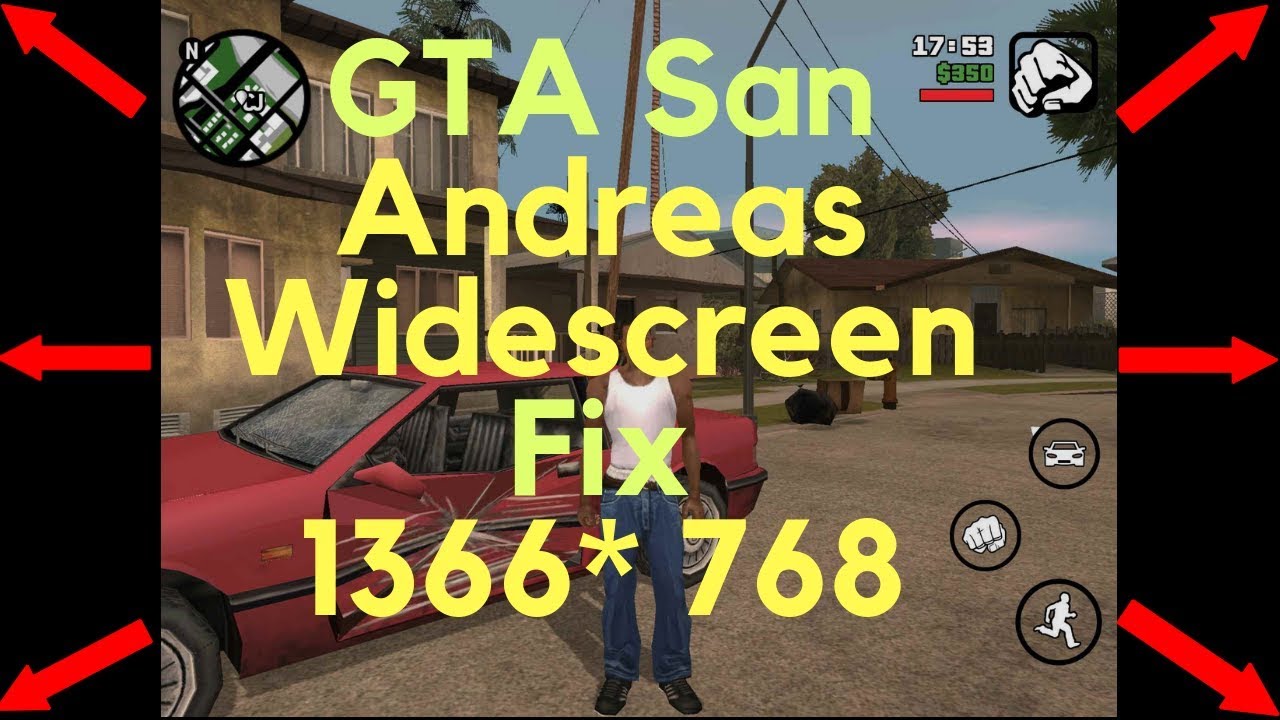
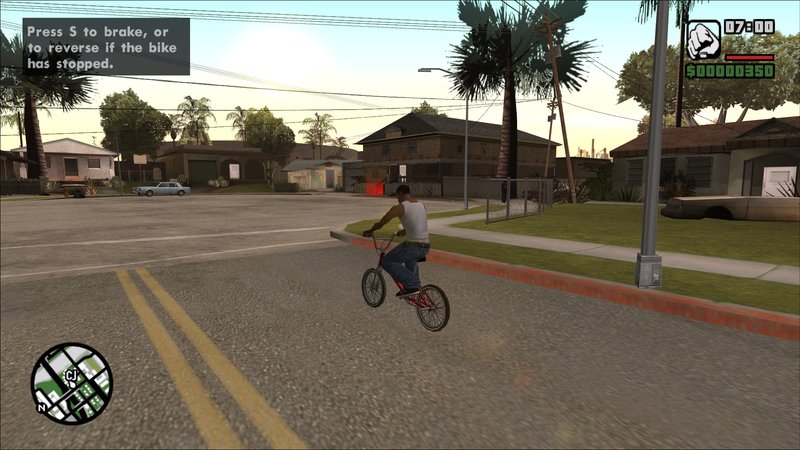


Widescreen Fix Para GTA SA Corrigir Widescreen MixMods Gta Sa Mod Widescreen Fix Aspect Ratio Monitor Screen Tela Larga 7961725 1820x2048 . How To Fix GTA San Andreas Laptop Resolution 1366x768 Widescreen YouTube . GTA San Andreas GTA SA Widescreen FIX Mod GTAinside Com 1547607643 4dof6Vc . GTA San Andreas AetherSX2 Widescreen Patch Fix YouTube . Gta Sa Widescreen Fix Pc Gta Sa Widescreen Fix EVUEL Sa Lite Gta.com.ua
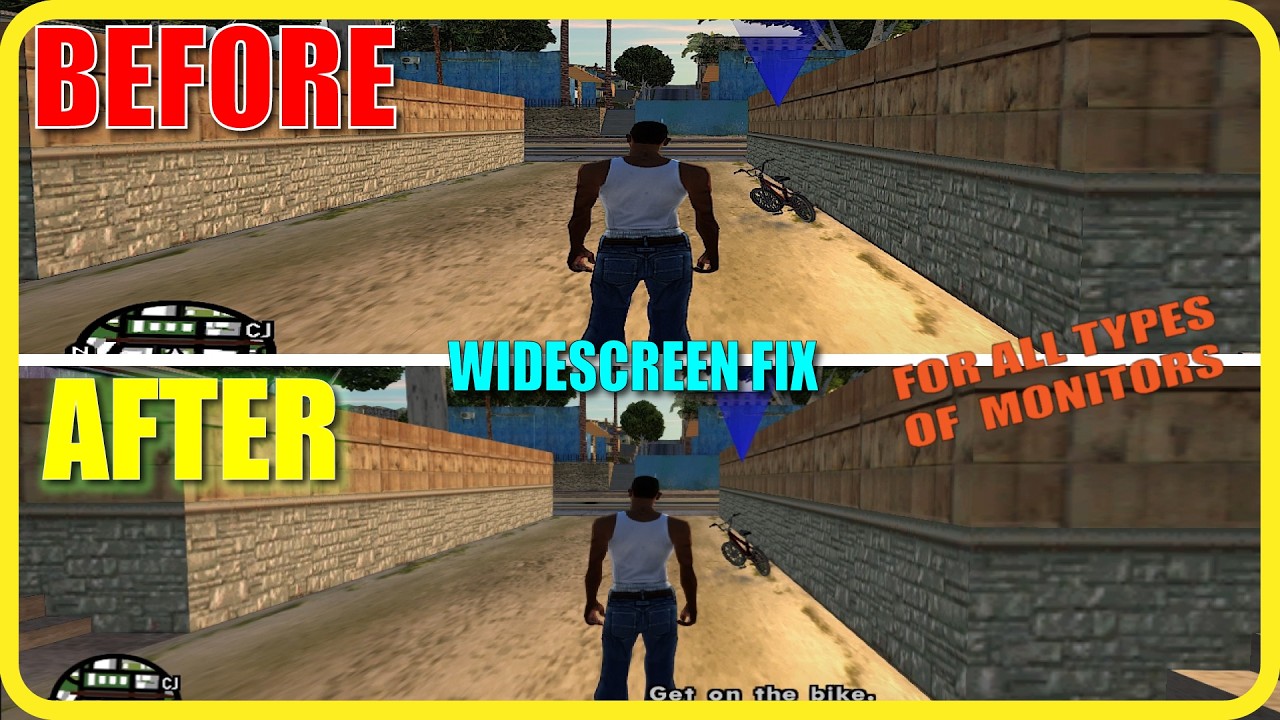

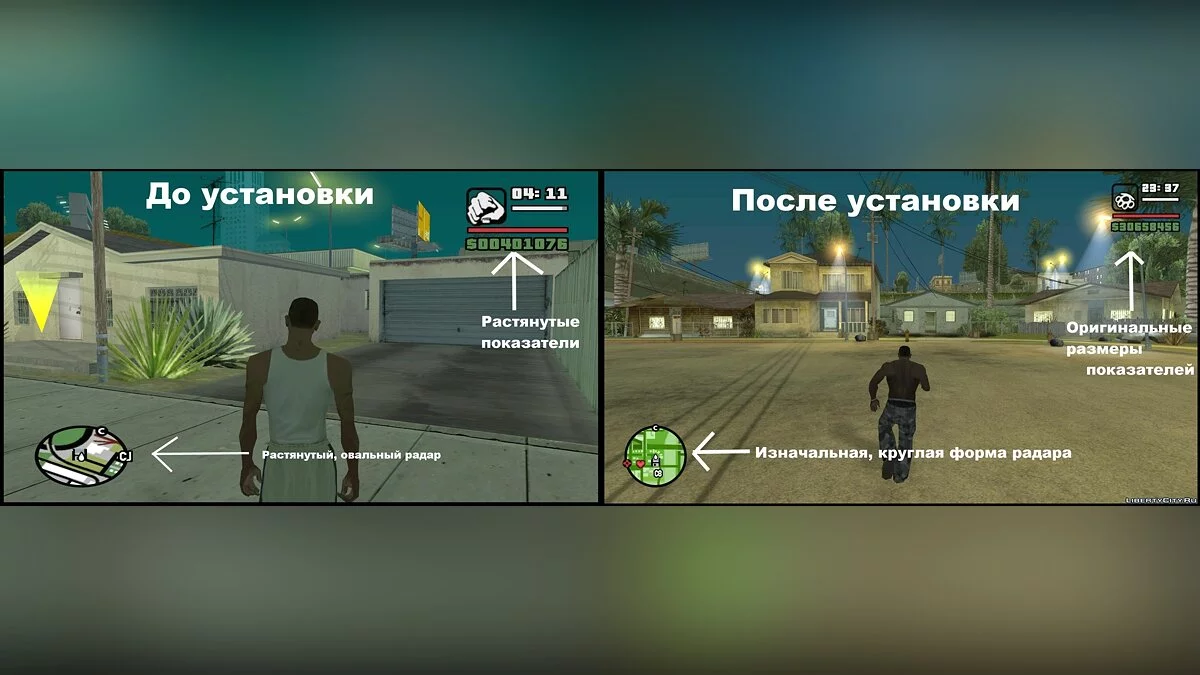

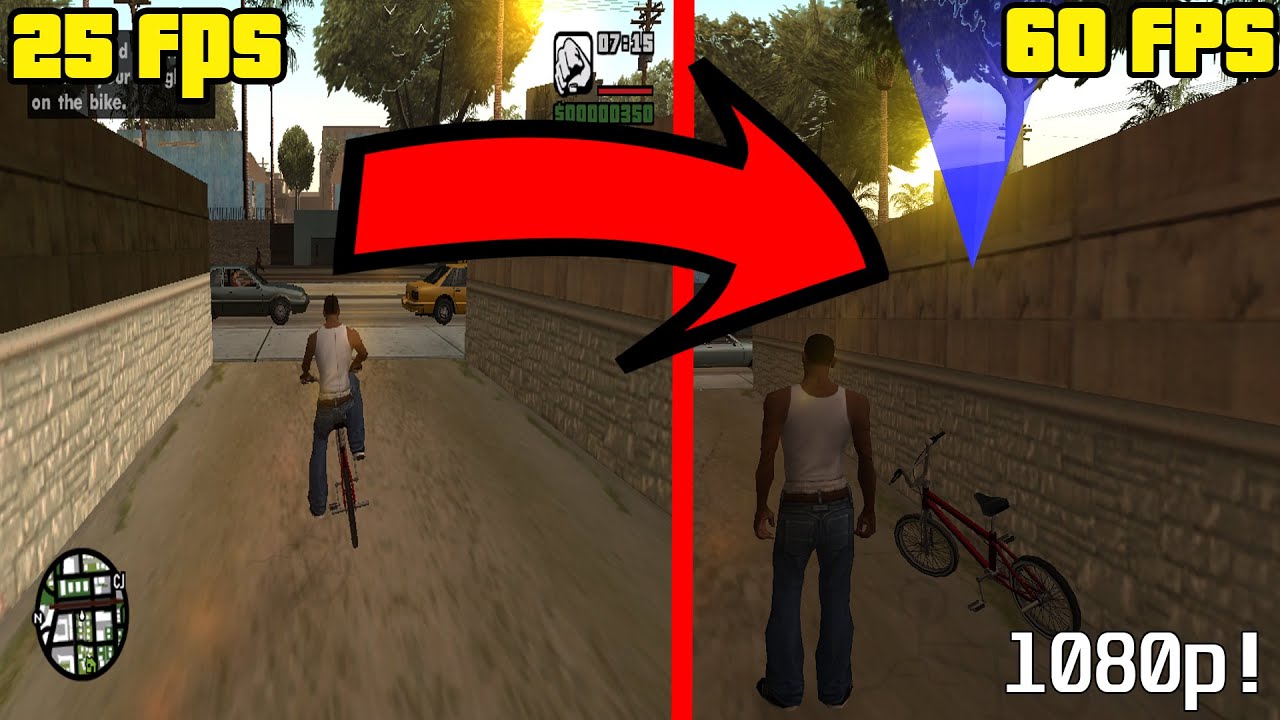
You Re Playing GTA SA WRONG In 2026 Widescreen Fix Changes Everything . Widescreen Fix C Mo GTA San Andreas Mods YouTube . Widescreen Fix Gta Sa GTA Gaming Archive Widescreen Fix Remake 1685991309 94389.webp. How To Boost GTA SA Performance GTA SA 60 FPS Widescreen Fix YouTube . GTA SA VC III ULTIMATE FIX GUIDE WIDESCREEN 60FPS YouTube
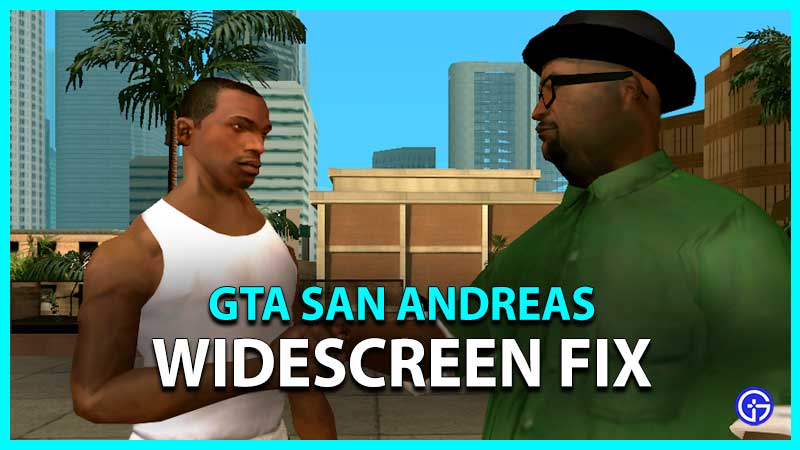
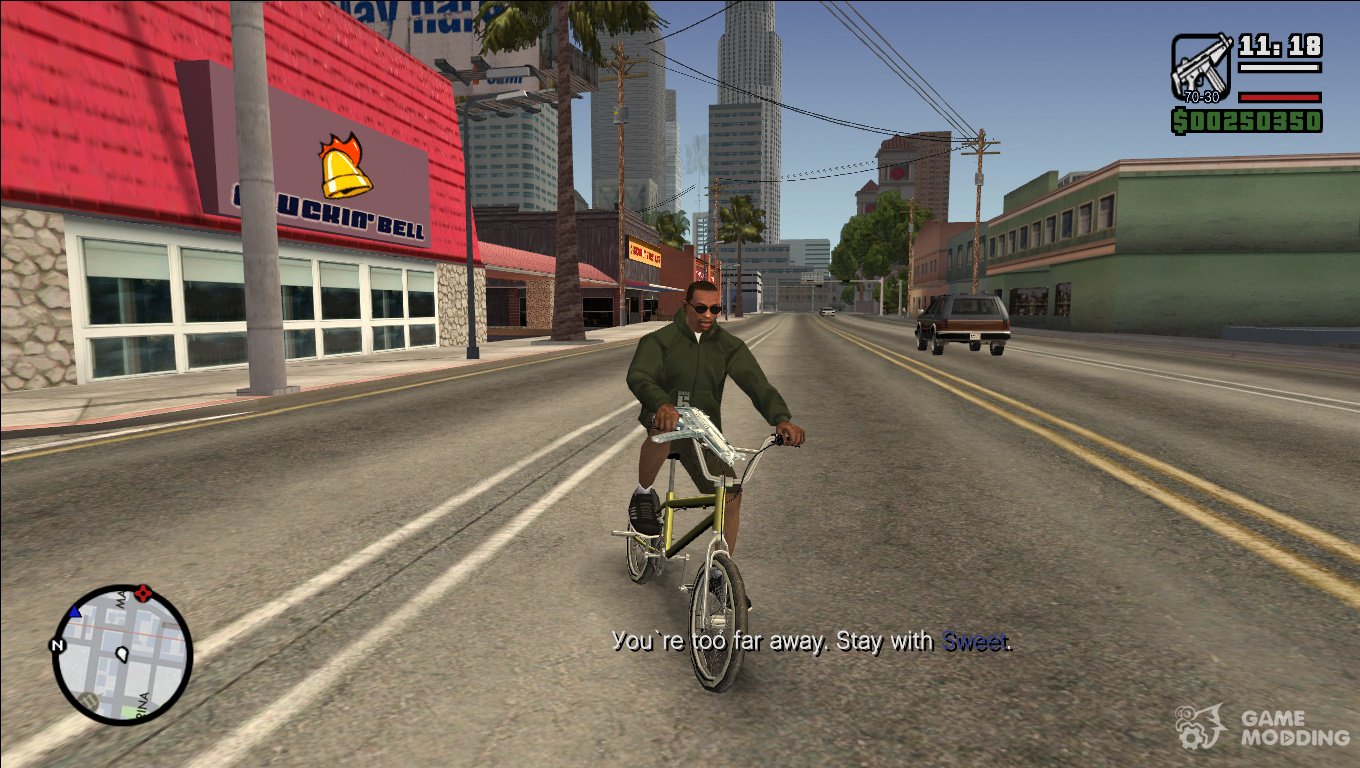
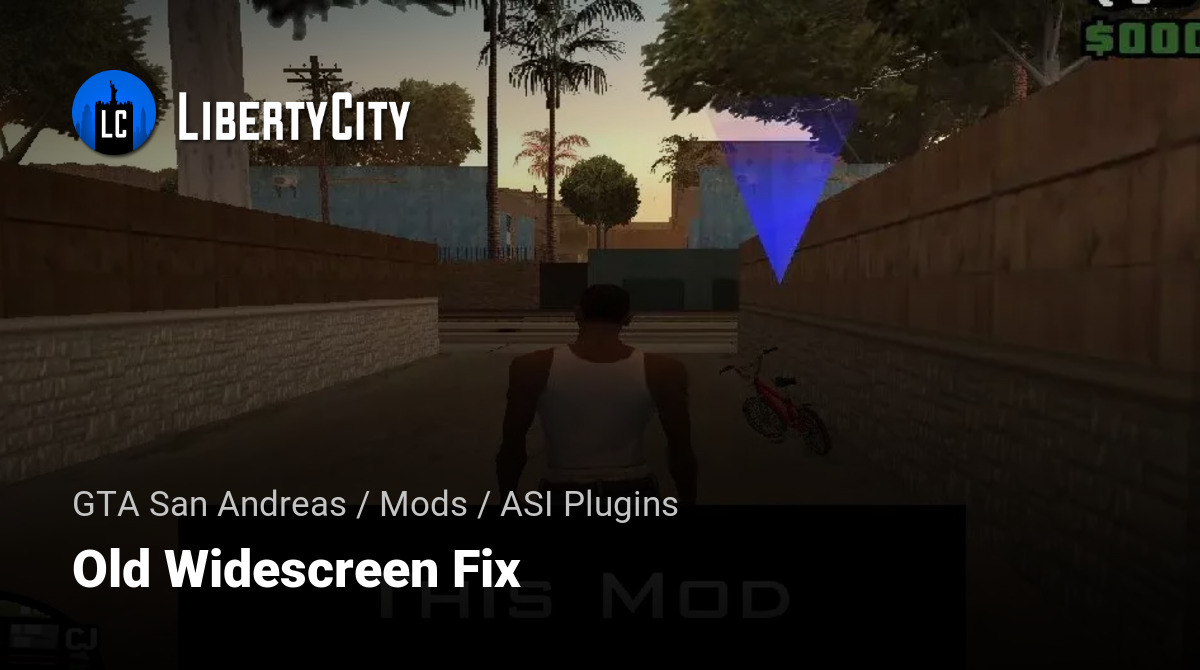

GTA San Andreas Widescreen Fix Gamer Tweak GTA San Andreas SA Widescreen Fix . Widescreen Fix Para Gta Sa Corrigir Widescreen . Old Widescreen Fix For GTA San Andreas File 155825 En . Gta San Andreas Gta Sa Widescreen Fix Mod Widescreen Fix 1588968785 External . WFP Grand Theft Auto San Andreas Widescreen Fix YouTube
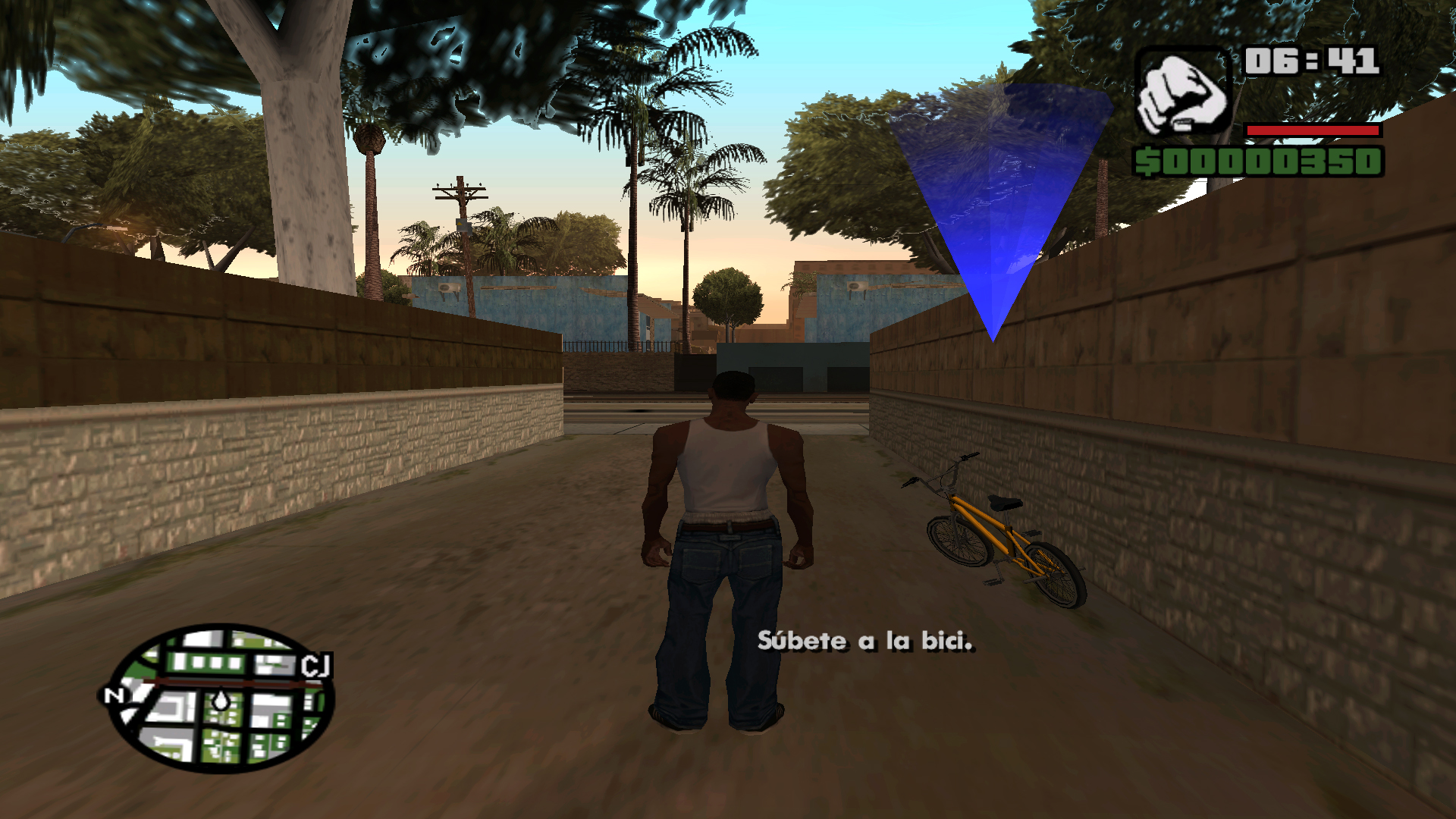

Widescreen Fix For GTA San Andreas . Widescreen Fix Para GTA SA Corrigir Widescreen FPS GameS Oficial Jpg2 . Widescreen Fix Gta Sa . Steam Community Guide Widescreen Fix Pantalla Panor Mica GTA. GTA San Andreas Widescreen Fix Resolution Fullscreen Fix 2026


Widescreen Fix For GTA San Andreas Problems Issue 994 ThirteenAG 134068953 2c255432 05d6 4392 994d . GTA San Andreas WideScreen FIX With Aspect Ratio Fix Mod GTAinside Com Thb 1691437372 Gta Sa 2023 08 07 04 43 51 66 . Widescreen Fix Gta Sa GTA Gaming Archive . GTA San Andreas GTA SA Widescreen FIX Mod GN8CsDii ZXVEpXR5tSp. Widescreen Fix For GTA San Andreas Problems Issue 994 ThirteenAG 134068947 2deaa008 784d 4f24 964e

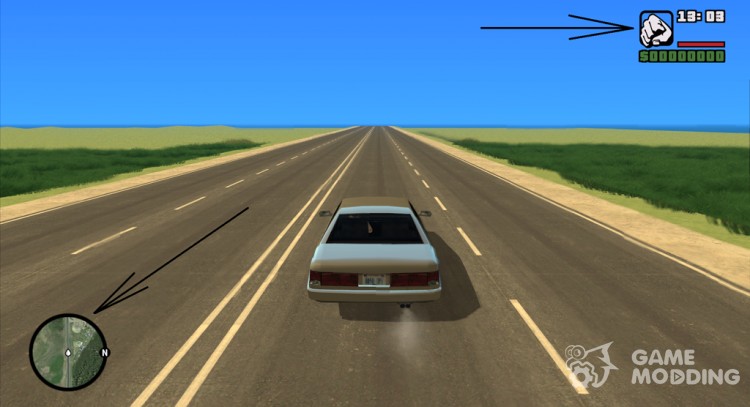
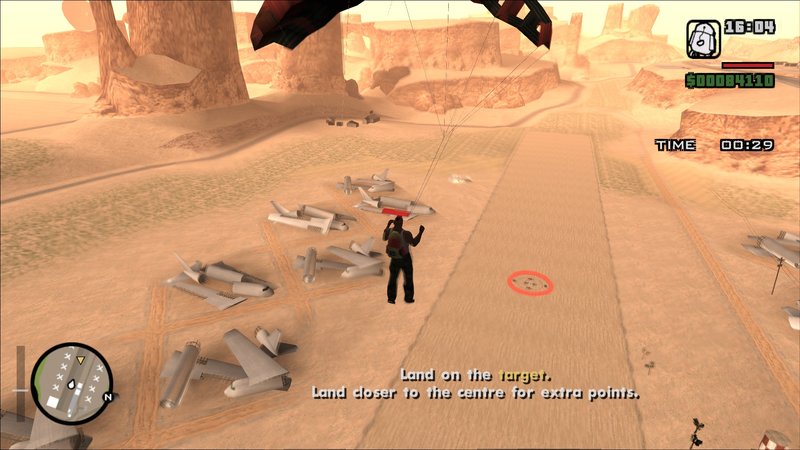

GTA San Andreas WideScreen FIX With Aspect Ratio Fix Mod GTAinside Com 1691437372 Gta Sa 2023 08 07 04 42 50 64 . Widescreen Fix Gta Sa . GTA San Andreas GTA SA Widescreen FIX Mod GTAinside Com Thb 1547607643 A9eSvu5 . GTA San Andreas GTA SA Widescreen FIX Mod GTAinside Com 1547607643 UdFhfM6 . GTA San Andreas GTA SA Widescreen FIX Mod GN8CsDii ZXVEpXR5tSp H72 P K No Nu


Gta San Andreas Gta Sa Widescreen Fix Mod Widescreen Fix 2495 1612898236 . Widescreen Fix Gta Sa GTA Gaming Archive 1401503837 Image53820 . Grand Theft Auto San Andreas GAME MOD GTA San Andreas Widescreen Fix V 30194640 . Grand Theft Auto San Andreas Widescreen Fix YouTube . Widescreen Fix Para Gta Sa Corrigir Widescreen GTA Trilogy Rain Fix