Ever wonder why game updates are sometimes massive or downloads feel slow despite your blazing internet? It all comes down to how Steam packs games. Understanding this process is crucial for modern gamers balancing life, work, and their passion for digital worlds. This guide dives deep into Steam's sophisticated methods for compressing, updating, and delivering games efficiently. We'll explore delta patching, content delivery networks, and compression algorithms that ensure you spend less time waiting and more time playing. For the average gamer who dedicates over 10 hours a week to their favorite titles and prioritizes a smooth, frustration-free experience, learning how Steam manages its colossal game library can optimize your setup, speed up installations, and even help you make smarter storage decisions. Discover the secrets behind your seamless gaming experience and unlock tips for better performance without the hype.
What is Steam game packing and why should I care?
Steam game packing refers to the entire sophisticated process Steam uses to compress, organize, and deliver game files to your PC efficiently. You should care because understanding it helps explain why updates are sometimes small or massive, how your download speeds are affected, and how to better manage your limited hard drive space. For busy gamers juggling work and family, knowing this means less waiting and more playtime.
How does Steam minimize game download sizes?
Steam primarily minimizes download sizes by using advanced lossless compression algorithms. When developers upload games, Steam processes and shrinks the raw data significantly without losing any quality. This results in a much smaller file that travels faster across the internet and takes up less bandwidth for you and Steam's servers.
What's the magic behind small game updates on Steam?
The magic behind small game updates on Steam is 'delta patching.' Instead of downloading an entire new game file for every update, Steam only downloads the specific 'changes' or 'differences' between your installed version and the new one. This drastically reduces update sizes, allowing you to get back into your favorite social or competitive games much quicker.
Why do my Steam downloads sometimes feel slow even with fast internet?
Several factors can make Steam downloads feel slow: an overloaded local Wi-Fi network, an internet service provider throttling speeds, or selecting a congested Steam download region. While Steam uses global Content Delivery Networks (CDNs) for speed, local network issues or server congestion can still impact your personal download performance.
How do Steam's Content Delivery Networks (CDNs) actually work to speed things up?
Steam's CDNs are a vast network of servers distributed worldwide. When you download a game, Steam directs your client to the geographically closest server hosting the game files. This minimizes the data's travel distance, reduces latency, and ensures you get the fastest possible download speeds by distributing the load across many servers.
Does Steam's packing affect game performance after installation?
No, Steam's packing process does not affect game performance once the game is fully installed and unpacked. The compression and decompression happen during the download and installation phases. Once installed, the game files are in their native, uncompressed format, running directly from your storage as intended by the developer.
Can understanding Steam packing help me save disk space?
Absolutely. By knowing that the 'download size' is compressed and the 'installed size' is much larger, you can better anticipate actual storage needs. This helps you manage your SSD space, prioritize which games to keep installed, and understand why uninstalling a game frees up so much room, directly benefiting gamers on a budget.
For many of us, gaming isn't just a hobby; it's a vital escape, a way to connect with friends, or a chance to build new skills after a long day of work and family responsibilities. But let's be honest, few things are more frustrating than anticipating a new game or a crucial update, only to be met with slow downloads, massive file sizes, or a baffling array of files eating up precious SSD space. With over 87% of US gamers regularly diving into digital worlds, often for 10+ hours a week, efficiency is not just a luxury, it's a necessity. Understanding exactly how Steam packs games isn't just for tech geeks; it's practical knowledge that can genuinely enhance your gaming life. This guide will demystify the magic behind Steam's game delivery, helping you optimize your experience, manage your hardware, and get straight to the fun without the usual headaches.
We'll tackle common pain points from lengthy update times to maximizing your budget hardware, all while revealing the smart engineering that makes Steam tick. From the moment you click 'Install' to the swift delivery of a patch, Steam is working behind the scenes to optimize every byte. Whether you're juggling work and family, looking for budget-friendly hardware upgrades, or just want to spend more time socializing in your favorite online worlds, knowing how Steam handles game data can empower you. Let's peel back the layers and discover the practical insights that will make your gaming journey smoother, faster, and more enjoyable.
What exactly does it mean for Steam to pack games?
When we talk about Steam 'packing games,' we're referring to the entire process of how a game's files are prepared, compressed, stored, and then delivered to your computer. This isn't just about putting files into a folder; it involves sophisticated algorithms and strategies designed to make game downloads and updates as efficient as possible. Think of it as a highly organized digital moving service, where every item is carefully condensed and categorized to ensure it travels quickly and takes up minimal space on arrival. This process is critical for managing Steam's immense library and catering to a global audience, including busy US gamers who need fast, reliable access to their titles.
The goal is twofold: first, to reduce the initial download size, saving bandwidth for both users and Steam; and second, to streamline subsequent updates, ensuring you can jump back into that social co-op game or competitive match with minimal downtime. It’s an ongoing challenge, especially with today's massive AAA titles often pushing hundreds of gigabytes, and it directly impacts how quickly you can get back to relaxing or skill-building after a patch drops.
Why does Steam pack games the way it does?
Steam packs games using advanced methods primarily to solve major challenges associated with digital game distribution: file size, download speed, and update efficiency. Imagine if every time a developer released a small bug fix, you had to re-download the entire 100GB game. That would be a nightmare for your internet bill, your patience, and Steam's servers. By employing intelligent compression and update strategies, Steam ensures that games are delivered as quickly and efficiently as possible.
This approach directly benefits you, the gamer, by reducing bandwidth consumption, speeding up installation times, and minimizing the storage footprint on your often-limited SSDs. It's especially crucial for the average gamer juggling life commitments, where every minute saved on downloads means more time for actual gameplay, whether it's unwinding with a cozy indie title or strategizing in a competitive esports match. Steam's methods also contribute to a smoother experience on various internet speeds and hardware setups, supporting the diverse realities of US gamers in 2026.
How does Steam's compression technology work?
Steam employs various sophisticated compression algorithms to shrink game files before they're sent to your computer. While the exact, proprietary methods aren't fully public, it's known that they utilize highly efficient lossless compression techniques. This means that when a game developer uploads their raw game assets—textures, models, audio, code—Steam's backend processes them, identifying redundancies and patterns to significantly reduce their size without losing any crucial data.
The outcome is a smaller package that downloads much faster than the uncompressed version. Once on your machine, Steam unpacks and decompresses these files, restoring them to their original, playable state. This entire process happens seamlessly in the background, making sure you don't need a super-fast internet connection just to get a game, and it makes managing multiple large titles on a budget-friendly hard drive much more feasible for the everyday gamer.
What are 'delta updates' and why are they so important?
Delta updates, often called differential patching, are one of Steam's most ingenious methods for keeping your games current without requiring you to re-download huge portions of a game. Instead of downloading the entire new version of a file, Steam only downloads the *changes* (the 'delta') between your current file version and the updated one. Imagine you have a large book, and the author only changed a few words on page 50. A delta update would only send you those new words, not an entirely new book.
This is incredibly important because game files, especially large asset files like textures or models, often only have small sections updated. By only transmitting these deltas, Steam drastically reduces the size of updates, saving you significant bandwidth and time. For gamers who enjoy popular titles with frequent patches, like many social online games or esports staples, delta updates are a lifesaver, ensuring you can quickly hop into the latest version and join your friends without hours of waiting. It directly addresses the pain point of balancing limited gaming time with the need to stay current.
How do Steam Content Delivery Networks (CDNs) speed up downloads?
Steam's Content Delivery Networks (CDNs) are a massive, globally distributed system of servers that store copies of game files. When you initiate a download, Steam doesn't just pull the game from one central server in Valve's headquarters. Instead, it directs your client to the nearest available server in the CDN to your physical location. This geographical proximity dramatically reduces the 'travel distance' for the data, minimizing latency and maximizing your download speed.
Think of it like having local warehouses for a global online store; instead of shipping everything from one central hub, products are stored closer to customers for faster delivery. With millions of US gamers downloading simultaneously, and many relying on varying internet infrastructure, CDNs are essential for preventing bottlenecks and ensuring a consistently fast download experience. This infrastructure is a cornerstone of Steam's ability to deliver massive game files efficiently, allowing you to quickly install and enjoy your purchases, even for newly released, trending titles.
Can I improve my game download speeds on Steam?
Absolutely! While Steam's packing and CDN infrastructure are highly optimized, there are several steps you can take on your end to improve your game download speeds. First, ensure you're connected via an Ethernet cable rather than Wi-Fi whenever possible, as a wired connection offers greater stability and speed. Second, check your Steam download region settings. Sometimes, choosing a different, less congested server region (even if it's not the absolute closest) can provide better speeds. You can find this in Steam > Settings > Downloads.
Third, limit background applications that consume bandwidth. Streaming videos, other downloads, or even heavy website browsing can throttle your Steam speeds. Finally, ensure your router firmware is up-to-date and consider restarting your router periodically to clear any network clogs. For gamers who prioritize a quick setup and getting straight into the action, these small tweaks can make a big difference, especially when a major new game or update drops and everyone is vying for bandwidth.
How does Steam handle game files for different operating systems or languages?
Steam's packing system is smart enough to handle the complexities of supporting multiple operating systems (like Windows, macOS, and Linux) and various languages efficiently. Instead of forcing you to download files for every possible configuration, Steam uses a system of 'depots' and manifest files. When a game is uploaded to Steam, developers can organize their assets into different depots—separate packages for specific OS versions, language packs, or even graphics settings.
When you install a game, Steam's client intelligently checks your system configuration (OS, preferred language) and downloads only the relevant depots. For instance, a macOS user won't download Windows executables, and a player who speaks English won't download Spanish voice-overs unless they specifically choose to. This targeted delivery minimizes unnecessary downloads, saving you disk space and bandwidth. It's another way Steam optimizes for the diverse needs of its global user base, including those who might run dual-boot systems or switch languages for an immersive experience.
Does game packing affect performance once a game is installed?
Generally, no, Steam's game packing methods do not negatively affect game performance once the game is fully installed and unpacked. The compression and unpacking process primarily happens during download and initial installation. Once the game files are on your hard drive and ready to play, they are in their full, uncompressed state, identical to how the developer intended them to be run. The game then interacts with these files directly from your storage, just as any other application would.
Any performance issues you might experience post-installation are typically related to your hardware (CPU, GPU, RAM, storage speed), game optimization by the developers, or background processes on your system, not Steam's initial packing. In fact, by allowing faster downloads and more efficient storage management, Steam's methods indirectly *improve* the overall gaming experience, letting you spend more time enjoying high-fidelity graphics and smooth gameplay on your current rig, even if it's a budget setup.
How can understanding game packing help me manage my storage?
Understanding how Steam packs games empowers you to make smarter decisions about your precious storage space. Since games are highly compressed for download, the 'installed size' can often be much larger than the 'download size.' Knowing this helps you anticipate the actual disk space a game will consume. For gamers with limited SSDs, which is a common scenario when balancing performance and budget, this insight is invaluable. You can prioritize which games to keep installed and which to archive.
Furthermore, knowing about delta updates means you can often free up space by simply running updates, as some temporary files are cleaned up afterward. It also explains why uninstalling a game frees up so much space, as Steam removes all those unpacked assets. By being aware of these mechanisms, you can proactively manage your game library, ensuring you always have room for new, exciting titles or essential software updates without constant storage anxiety.
What's the future of game packing and distribution on Steam?
The future of game packing and distribution on Steam is constantly evolving, driven by larger game sizes, faster internet speeds, and new gaming technologies like cloud gaming and VR. We can expect even more sophisticated compression algorithms that can shrink files further without compromising quality. Expect greater emphasis on 'streaming' game assets, where only the immediate necessary data is downloaded as you play, reducing initial install sizes even more. This is particularly relevant as mobile gaming and cross-play become more dominant, influencing how PC games are structured for efficiency.
Furthermore, Steam will likely continue to refine its CDN infrastructure, possibly integrating AI-driven predictive downloading to pre-load portions of games or updates you're likely to need. The industry is always pushing for instant access and seamless updates, making the underlying technology for how Steam packs and delivers games more critical than ever. The goal remains the same: less waiting, more playing, for every type of gamer, from casual social players to dedicated competitive pros.
FAQ Section
Q: Does Steam use a proprietary compression format?
A: Yes, Steam primarily uses a proprietary compression system that leverages advanced algorithms to efficiently reduce game file sizes for quicker downloads and updates. While specific details aren't public, it's designed for optimal performance within the Steam ecosystem.
Q: Why are some game updates so large even with delta patching?
A: Even with delta patching, updates can be large if core game assets like entire texture packs, engine components, or significant portions of the game world are entirely replaced or heavily modified. When many small changes accumulate, or when major overhauls occur, the delta itself can still be substantial.
Q: Does Steam re-download entire games if I verify integrity?
A: No, when you 'verify integrity of game files' on Steam, it only checks for corrupted or missing files and then downloads only those specific files that need repair or replacement. It does not re-download the entire game unless nearly all files are found to be corrupt or missing.
Q: Can I force Steam to download games faster?
A: You can optimize your local network (e.g., wired connection, adjusting download region, pausing other downloads) to allow Steam to utilize your internet bandwidth more effectively. However, you cannot 'force' Steam to exceed the limits of your internet speed or the capacity of Steam's servers.
Q: Where are Steam's packed game files stored temporarily?
A: During a download, Steam temporarily stores the packed, compressed game files in a 'downloading' folder, usually within your Steam installation directory (e.g., SteamSteamAppsdownloading). Once fully downloaded and unpacked, the files are moved to their final game folder.
Q: Does Steam's packing affect game modding?
A: Steam's packing happens before installation. Once a game is installed and unpacked, its files are typically accessible for modding, depending on how the game developer structured their assets. Steam Workshop often simplifies mod installation, but the core packing process doesn't restrict modding post-install.
Q: Is there a way to see a game's download size versus its installed size on Steam?
A: Yes, on a game's store page or during the installation prompt, Steam typically shows both the 'Download Size' (the compressed size you'll download) and the 'Disk Space Required' (the uncompressed installed size). This helps gamers plan their storage.
Conclusion
Understanding how Steam packs games is more than just technical curiosity; it's a practical skill for every modern gamer. By demystifying compression, delta patching, and CDNs, we've shown how Steam works tirelessly to get you into your games faster, manage updates efficiently, and help you juggle your digital library on limited storage. These insights empower you to troubleshoot slow downloads, optimize your setup, and make informed decisions about your gaming hardware. In a world where 87% of US gamers play regularly, often for over 10 hours a week, and balance gaming with demanding lives, maximizing efficiency means maximizing fun and relaxation. So next time you hit 'Install,' you'll appreciate the complex dance of bytes happening behind the scenes, all designed to make your gaming life smoother.
What's your biggest gaming challenge when it comes to downloads or updates? Comment below and share your tips!
Steam utilizes advanced compression to reduce game file sizes; Delta patching enables small, efficient updates by only downloading changed data; Content Delivery Networks (CDNs) distribute game files globally for faster downloads; Game manifest files track installed game versions and required updates; Understanding Steam's packing helps manage storage and optimize download speeds; Steam optimizes game files for various operating systems and hardware configurations.
35



Steam Sales 2026 Calendar Full Dates Best CD Key Deals AllKeyShop Com All Steam Events 2026. Steam Sales 2026 Calendario Todas Las Fechas Y Las Mejores Ofertas De All Steam Events 2026 1.webp. January 2026 S Top Selling New Steam Games Revealed 08418405 04a2 47eb B48b 1500x843 . Steam Next Fest February 2026 The 22 Best Game Demos The Best Steam Next Fest Demos 2026 The Punished Backlog Order 2 300x162 . Steam Spring Sale 2026 Keymailer And Game Press Highlight Top Deals Steam Spring Sale 1024x479


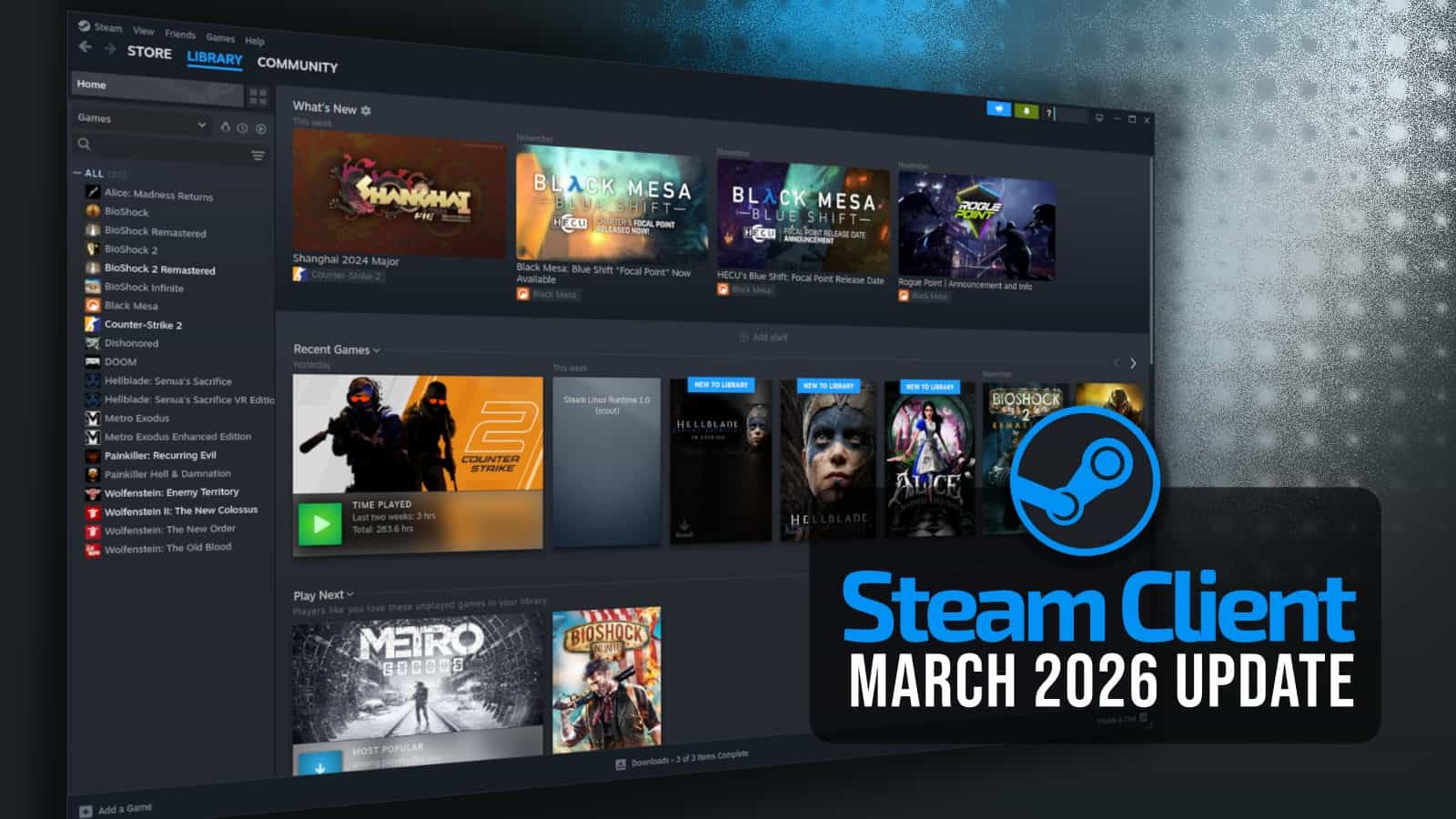

Steam Next Fest February 2026 Edition Jumping Into 2026 MixCollage 23 Feb 2026 08 57 AM 2571 . 5 Game Steam Yang Patut Kamu Mainkan Di Bulan Januari 2026 . Steam Top Sellers Most Played Games The 2026 Starting Grid Steam Top Sellers Most Played Games The 2026 Starting Grid Techjuice 210459 153757 . Steam March 2026 Client Update Adds Hardware Specs To User Reviews Steam Client Mar 2026 . All 2026 Steam Fest Dates You Should Watch Out For Gamer Org All 2026 Steam Fest Dates You Should Watch Out For 3



2026 S First Steam Top Sellers Revealed Week 1 2026 Steam Top Sellers Revealed Week 1 1536x864 . From Hollow Knight Silksong To Slay The Spire II The Most Wishlisted Most Played Games Steam 2026 2048x1167 . Steam Next Fest 2026 And Beyond All The Dates Details And Everything. New Valve Hardware Revealed Steam Machine Steam Frame And More Are 1216xt . The Top 2026 Games By Steam Wishlists By Rhys Elliott Fc2aa87f 2277 4294 9e7b 1920x1080





Can You Play Steam Games On Xbox Consoles GAMES IN 2026 . Steam Sale 2026 Key Dates You Need To Know LevelUpTalk Steam Sale Schedule 2026 08 27 2025 7c35051e 2c22 4093 96f1. Assassin S Creed Black Flag Resynced On Steam Every Bonus Pack And How Image 1883 1024x576 . Steam Machine Vs PS5 How Does Performance Compare Steam Machine Official Overview And Quick Start Guide Tdfr . Steam Machine Vs PS5 How Does Performance Compare Steam Machine Pricing Explained 5pmk




2026 N N Steam Ndirim Tarihleri Belli Oldu Tamindir Steam 2026 Indirim Takvimi . When Is The Next Steam Sale May 2026 Update Countdown. Nuova Steam Machine 2026 Giochi Compatibili E Data Di Nuova Steam Machine 2026.webp. Rekomendasi Game Steam Spring Sale 2026 Wajib Beli Steam Awards 2025 Winners 1024x576 . Steam Sales 2026 Here S The Schedule For The First Half Of The Year 1824cr953


Steam Ter 28 Grandes Promo Es Ao Longo De 2026 Adrenaline Steam Promocoes 2026 01 . When Is The Next Steam Sale In 2026 Next Steam Sale 2026 Schedule And Start Dates 260x149 . New On Xbox Game Pass January 2026 Include Resident Evil Village Xbox Game Pass Jan 2026 . Steam Sales 2026 Schedule For The Second Half Of The Year 1200cr630 Q100 . Kalender Lengkap Event Steam 2026 Diskon Besar Dan Festival Game Favorit Steam Events Q82 W2560 H 27565.webp
:quality(30):format(webp):focal(0.5x0.5:0.5x0.5)/jogja/foto/bank/originals/20260423-Steam-Weekend-Deal-April-2026.jpg)

Midweek Deal Steam April 2026 Hadir Dengan Berbagai Game Mabar Menarik 20260423 Steam Weekend Deal April 2026 . Valve Has Revealed All Steam Sale Event Dates For 2026 Steam Tererowa Game Rant . 2026 Steam Ndirimleri Ve Etkinlik Takvimi2026 N N Lk Yar S Nda Steam 1 1024x722 . Steam Shares The 50 Most Played Demos From February 2026 Next Fest 1200cr630 Q100 . Steam Inonde 2026 De Promotions La Fin Des Vraies Soldes Steam Sale Dates . When Is The Next Steam Sale . Countdown And History . SteamDB Google Chrome